
Ola penguins!!
There's a new wallpaper you can put up on destop/laptop screen!
Take a look at it :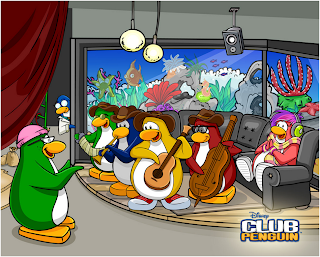
You can click here to enlarge picture and to set it up on your screen. Here are the instructions if you don't know how to do that:
1. Click on the link above.
2. Wait for the picture to finish loading
3. Right click
4. Select "Set as background"
5. DONE!
1. Click on the link above.
2. Wait for the picture to finish loading
3. Right click
4. Select "Set as background"
5. DONE!
If you can't find the "Set as background" button, do this:
1. Click on the link above
2. Wait for the picture to finish loading
3. Right click
4. Select "Save Picture as..."
5. Type in a name for the picture
6. Go to your destop/laptop screen and right click
7. Select Personalize
8. Click on it
9. Click on Destop Background
10. Find your picture
11. Press OK and you're DONE!!
The wallpaper looks really nice!! I have already put it up on my screen!! Have you??
♥LYNNZIE ♥





 Posts
Posts


